
The second website
- Mohamed Khaled

- Sep 18, 2018
- 1 min read
Updated: Oct 11, 2018
This task is about creating a website using HTML and CSS, I toke a template of HTML site from w3schools.com and edit it.
how to make a Website HTML?
1. open w3schools.com, then click on web templates.


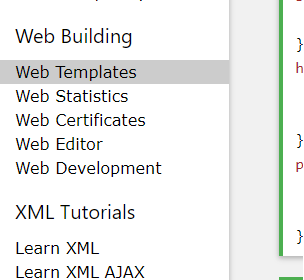
2. after clicking, it will open a new page, in the page you will find templates for websites you chose from them.

3. you can see a demo or try it yourself.
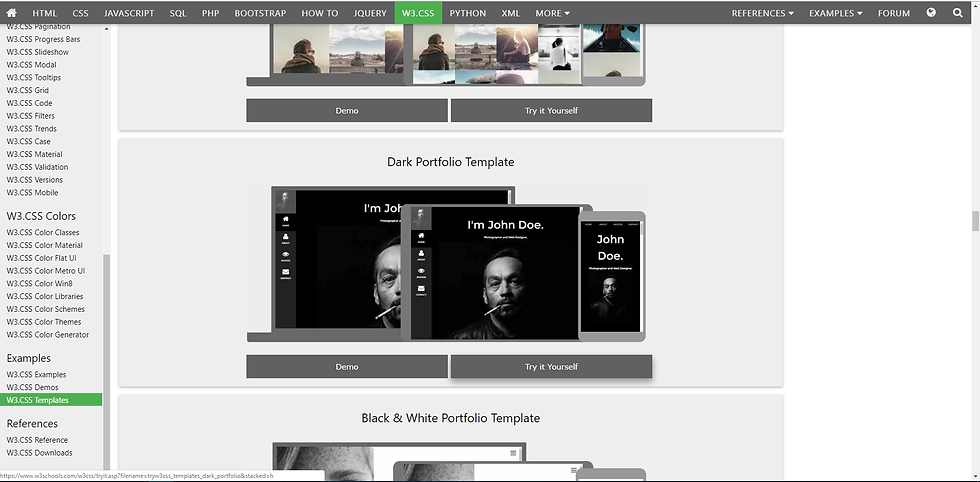
4. click on Try it your self will open you the source code.
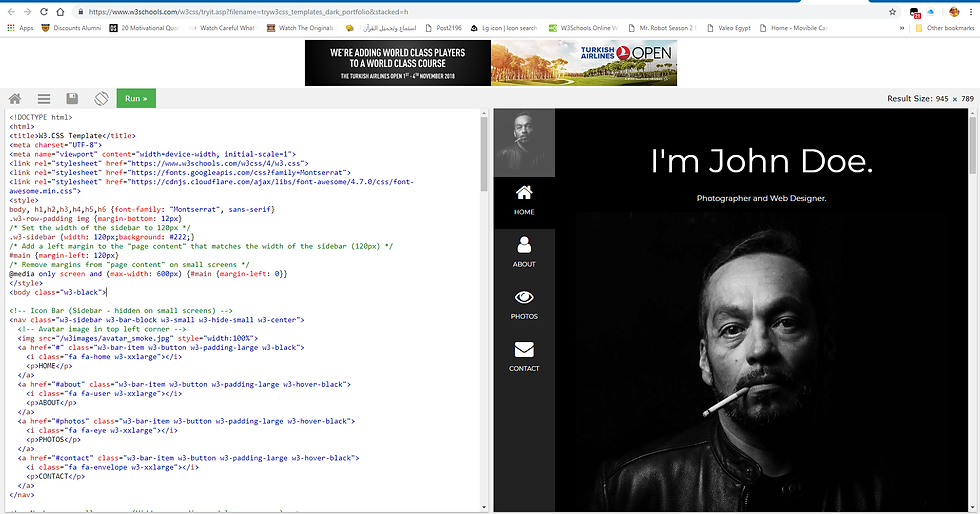
5. take a copy of the code and put it in a text file ten save the text file in .html file, then change the text in it to suit you, then add the images you want.
6. the result

Link:
w3schools.com
https://www.w3schools.com/w3css/w3css_templates.asp
https://www.w3schools.com/w3css/tryit.asp?filename=tryw3css_templates_dark_portfolio&stacked=h
https://drive.google.com/open?id=1hIaups1Vw0Hb8p1KHLmCSrk1J2Bm_NO7


Comments